
Vehicle compatibility guidance
Review the vehicle, connection type, installation environment, and system requirements before choosing or setting up a product.
Roadlume Help Center
Find focused guidance for product setup, vehicle compatibility, order questions, delivery, returns, exchanges, and warranty support—organized around the way automotive technology is actually used.

Help by topic
Roadlume support covers the complete purchase journey—from choosing and setting up automotive technology to tracking an order, handling a return, or preparing warranty information.
Review the vehicle, connection type, installation environment, and system requirements before choosing or setting up a product.
Use product-specific setup details to review power, wiring, mounting, pairing, signal, and connected-device behavior.
Act early if an order detail needs attention because available changes can narrow as preparation progresses.
Every Roadlume product ships free, with orders expected within the standard 3–5 calendar day delivery window.
Roadlume provides free returns and exchanges within 30 days, with order information kept as the primary reference.
Gather the product, order, setup, and issue details needed to make technical or warranty support easier to review.
Product troubleshooting
Automotive electronics depend on power, compatibility, connection quality, mounting, software, and configuration. A clear diagnostic order helps separate setup concerns from product concerns.
Check cables, connectors, adapters, fuses, sockets, and secure fitment where they apply to the product.
Confirm that the vehicle, phone, display, connection type, or system setup matches the product requirements.
Note what happens, when it happens, whether the issue is constant, and what action appears to trigger it.
Keep photos, short video, error information, and order details ready if additional support is needed.
Help by automotive system
Use the product category as a guide for what to check first. The most useful information changes depending on whether the issue involves audio, cameras, navigation, diagnostics, security, or vehicle power.
Review power, signal source, audio channels, wiring, speaker connections, gain settings, Bluetooth behavior, and display output where relevant.
Check camera power, placement, image behavior, recording media, trigger connections, viewing angle, and when the display issue appears.
Review pairing, connection method, cable type, wireless behavior, location signal, software response, and the connected phone or device.
Confirm the vehicle, diagnostic port connection, indicator behavior, app or account status, reported data, and any visible error information.
Check vehicle compatibility, control response, trigger behavior, keyless operation, power state, installation details, and operating range.
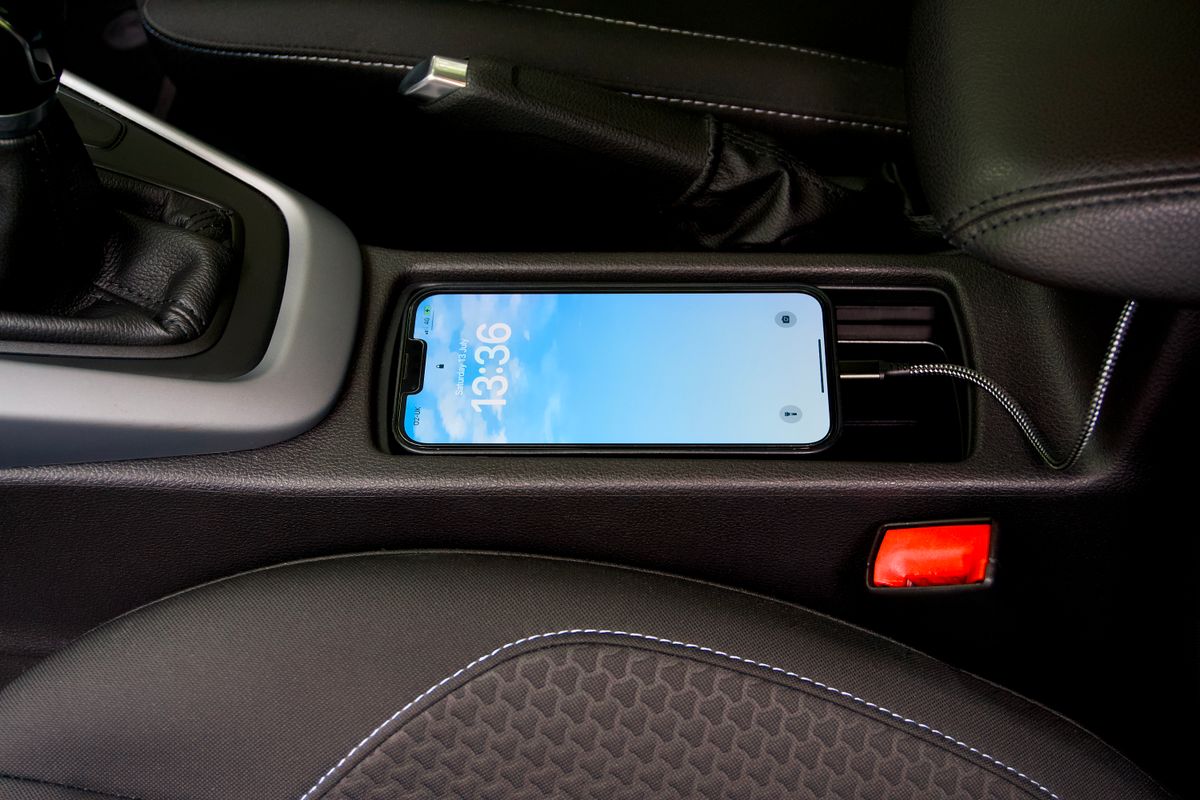
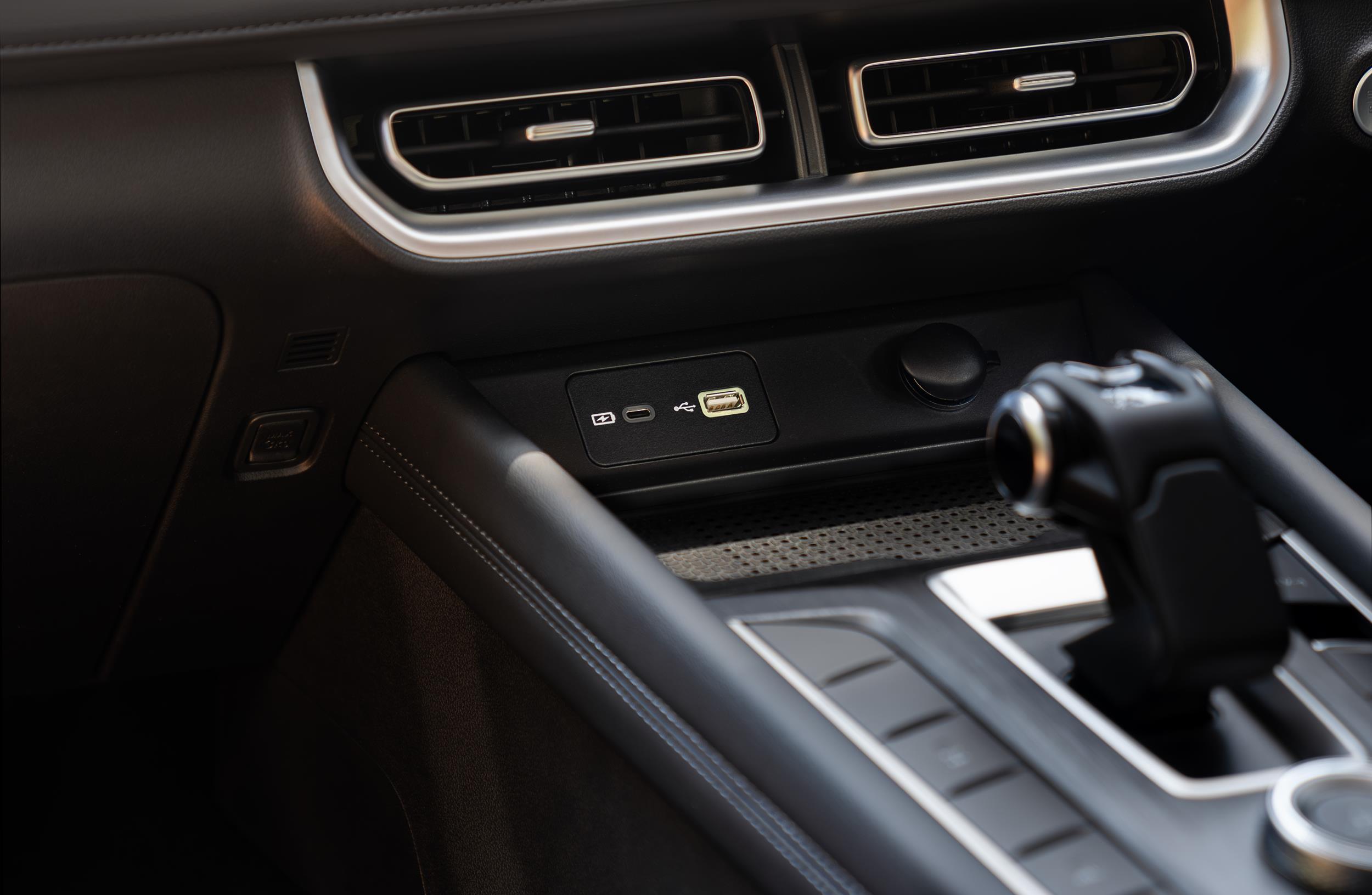
Review input power, socket type, output behavior, cable condition, fuse state, voltage readings, and the devices connected to the accessory.
Order & delivery help
Your order confirmation is the fastest way to keep support aligned with the right purchase. Hold onto it while an order is moving, being changed, returned, exchanged, or reviewed.
Compatibility & setup
Before troubleshooting deeper, document how the product is installed and what it connects to. This is especially useful for stereos, cameras, displays, diagnostic tools, trackers, remote-start systems, and power accessories.
Aftercare pathways
Returns, exchanges, and warranty support solve different problems. Use the timing, product condition, order details, and issue context to identify which path is most appropriate.
Keep the product, relevant supplied components, and order information together while preparing the return.
If another product outcome is needed, keep the original order information available throughout the exchange process.
Prepare the product details, issue description, vehicle context, order reference, and useful evidence for review.
24/7 customer support
Keep your order confirmation, product name, vehicle details, and a concise description of the question nearby. Roadlume support is available around the clock to help you identify the right next step.
Roadlume support passport
A compact reference for the support details and store benefits that stay relevant after checkout.